
AvoraSpace demonstration project
Sales & Operations Dashboard
Sales and enquiry records are hard to act on when they are scattered across spreadsheets.
WORKING DEMO · fictional data · not a client deployment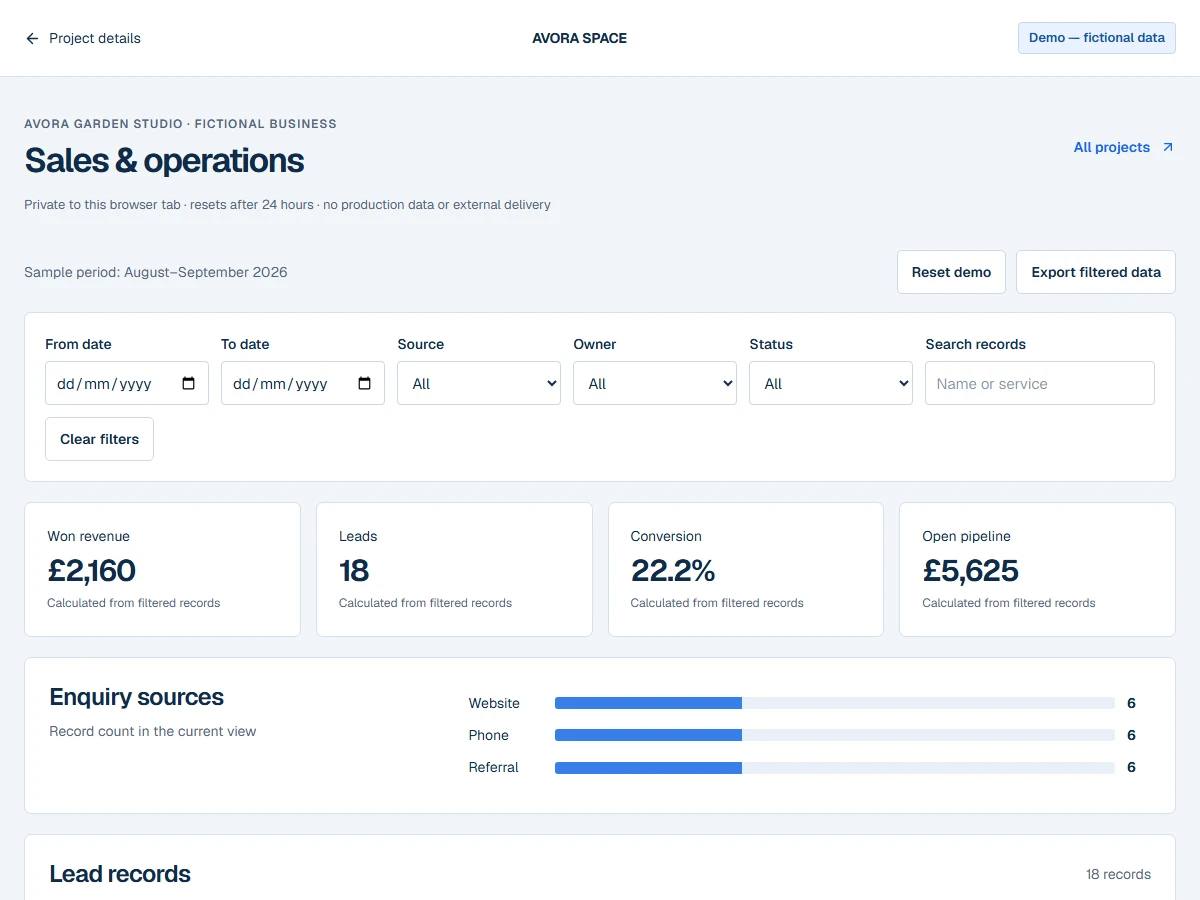
WHO IT IS FOR
A clearer view of the pipeline.
Small service businesses that need a reliable view of enquiries, won work and open opportunities.
What was actually implemented
An interactive dashboard with date, source, owner and status filters, record inspection, calculated metrics, a source chart, CSV parsing and a tab-local dataset. Exports include only the current filtered view.
A SHORT WALKTHROUGH
Try it for yourself.
- 01
Start with 18 fictional garden-service enquiries. Change the source or date range and watch the metrics update.
- 02
Open a record, search by name or sort by value. Download the sample CSV and upload it into the import walkthrough.
- 03
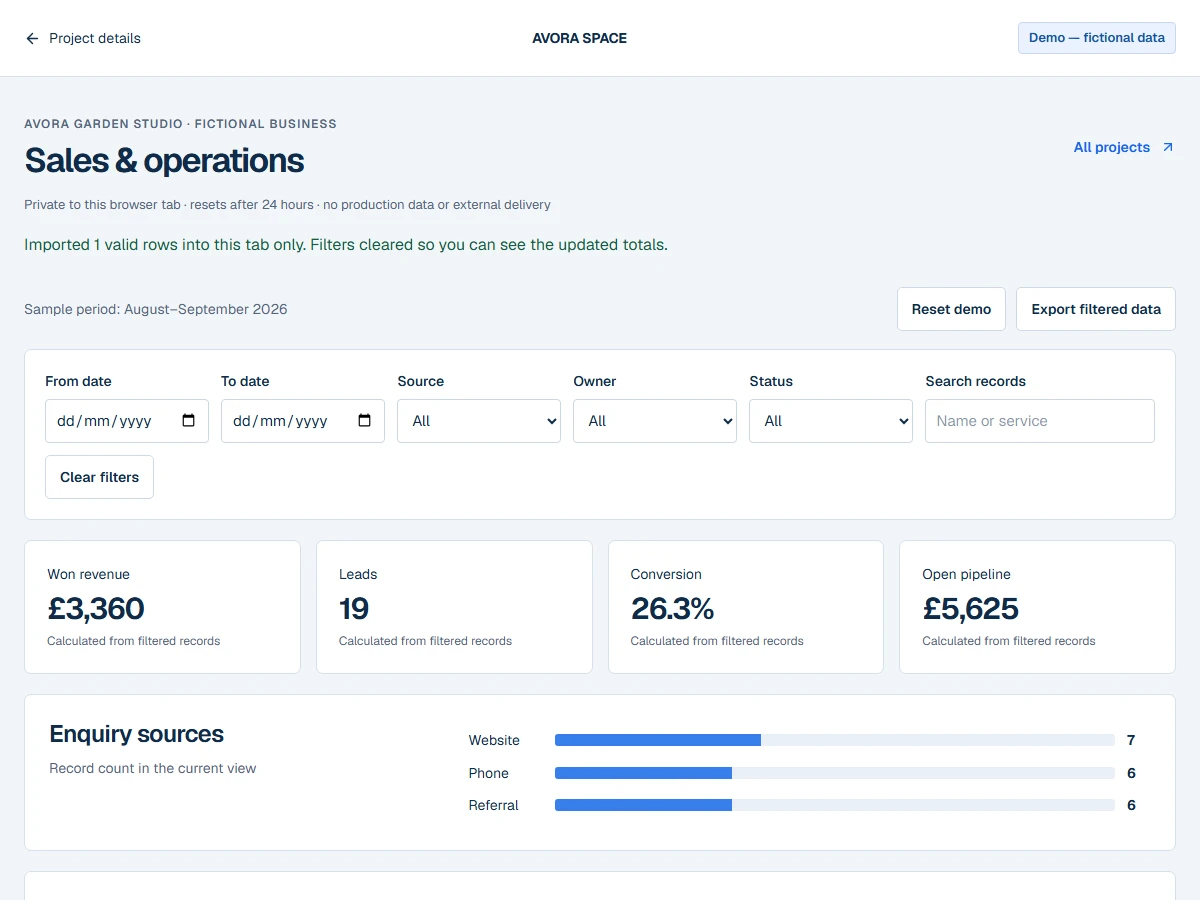
Map the columns, inspect validation errors and import valid rows. Won revenue and lead counts change with the imported data. Reset to restore the original dataset.
What you can test
- Filter Website enquiries, then select Won status.
- Import the provided sample: two leads are added and total won revenue increases by £1,200 after filters clear.
- Try an invalid date or value to inspect row-level errors.
Integration status
- Browser CSV processing
- SANDBOX
- Session storage / calculated metrics
- SANDBOX
- Live CRM, database and accounting feeds
- NOT CONFIGURED
SANDBOX means isolated browser functionality. SIMULATED means no external service action takes place. Nothing here is labelled LIVE VERIFIED.
Known limitations
- Fictional August–September 2026 records, not current business performance.
- 600 records per tab; CSV files up to 100 KB and 500 rows. Imports add rows rather than updating an existing record.
- Session data expires after 24 hours. Closing the tab ends normal session storage; browser session-restore behaviour can vary.
- No live CRM, accounting connection or production client storage.